Planets
Orbit Classic
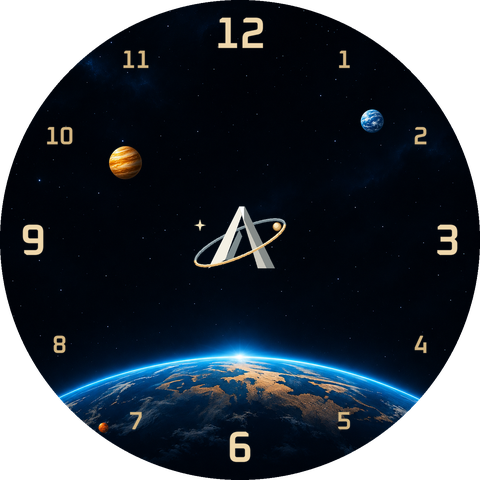
Three planets instead of hands. Hours, minutes and seconds orbit the centre in a field of stars.
CZK 49 · €1.99Price per watch face
Explore the styles ↗Buy on Google PlayABEORBIT / ORBIT COLLECTION
From planets to clockwork. Choose your Orbit and create your own combination.
Choose and customise ↘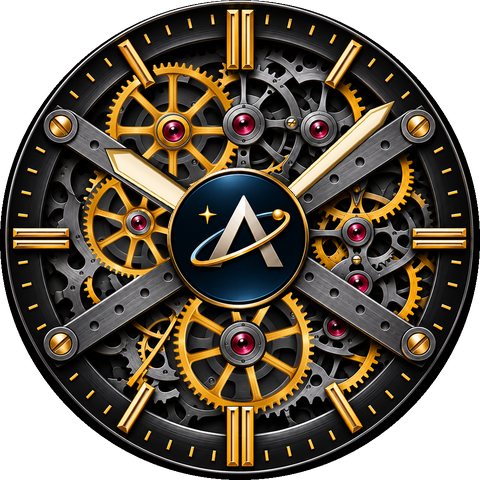
Previews from current development assets.
WEAR OS 5+
Designed for round smartwatches running Wear OS 5 or later.
Marevorn requires a round watch running Wear OS 6 or later with Watch Face Format 4. Google Play determines availability for your watch and country. Apple Watch and Tizen are not supported. No companion phone app is needed.
Tested on Samsung Galaxy Watch Ultra.
Availability of individual data features may vary by watch model and installed apps.
The operating system matters, not the brand. Signature, Orbit and Tactical use Watch Face Format 2. They are also designed for other Galaxy Watch, Google Pixel Watch and other round watches running Wear OS 5 or later. Apple Watch and Tizen watches do not support this format.
Weather, heart rate and other data depend on available providers, sensors and permissions. If a watch face offers data slots, choose their sources in its settings on the watch. Models with Samsung Weather selected by default fall back to battery when it is unavailable; you can select another available source.
We tested the watch faces on Galaxy Watch Ultra. Before buying, check Google Play for compatibility with your watch. Layout and readability may vary with display size.
EVERY FACE HAS CHARACTER
Planets
Three planets instead of hands. Hours, minutes and seconds orbit the centre in a field of stars.
CZK 49 · €1.99Price per watch face
Explore the styles ↗Buy on Google Play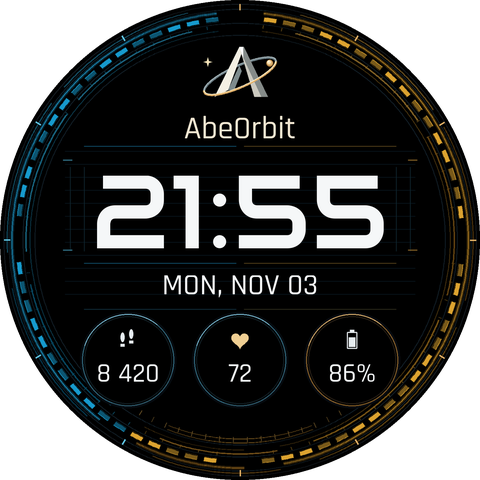
Digital
Large Audiowide digital time, a blue and gold ring and three data slots. An easy rhythm for every day.
CZK 49 · €1.99Price per watch face
Explore the styles ↗Buy on Google PlayClockwork
Exposed clockwork, metal bridges and a central AbeOrbit medallion. Mechanics with a character of their own.
CZK 69 · €2.79Price per watch face
Explore the styles ↗Buy on Google Play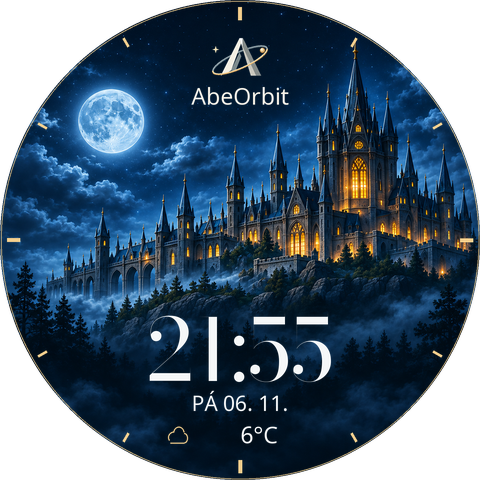
Worlds
A storybook castle that lives with day and night. The sun gives way to the moon and warm lights fill the windows.
CZK 69 · €2.79Price per watch face
Explore the styles ↗Buy on Google PlayORBIT COLLECTION
Choose each colour independently. The preview remembers each model’s settings while you stay on this page.
Development preview with sample data.
The preview could not load. Please try again.
Planets
CZK 49 · €1.99
Available on Google Play
Buy on Google PlayOne-time purchase through Google Play. Check the store for the final price in your local currency and availability for your watch. Settings from the web preview are not transferred; choose your colours directly on the watch.
Three planets instead of hands. Hours, minutes and seconds orbit the centre in a field of stars.
The numerals and each of the three planets have nine independent colour options. The star field and logo stay the same. Classic has no data slots.
Touch and hold the watch face on your watch and open Customize. Set colours individually; for models with data slots, use the Complication tab.
ALWAYS-ON DISPLAY
AOD previews are visualizations from source assets with sample data. Actual brightness and colors vary with the display and its settings.
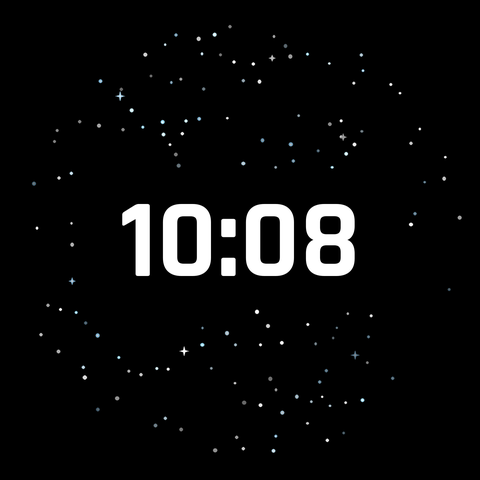
In AOD, the planets and analogue numerals give way to bold white digital time among the stars. This mode uses fixed colours.

The dimmed composition keeps time in your chosen colour, the logo, ring and all three data slots. The separate date row is hidden.
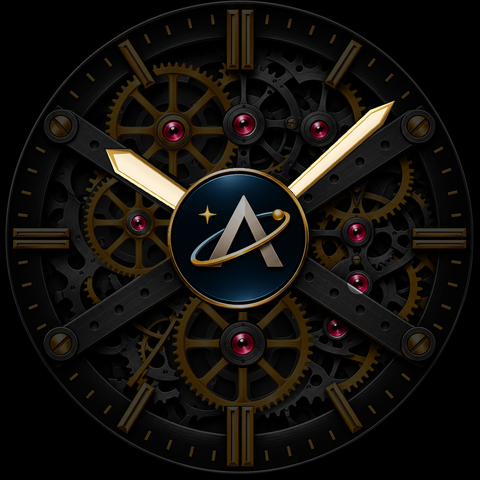
The dimmed movement keeps hands, jewels and logo more visible. Your colours remain; gears use a fixed resting position in AOD.
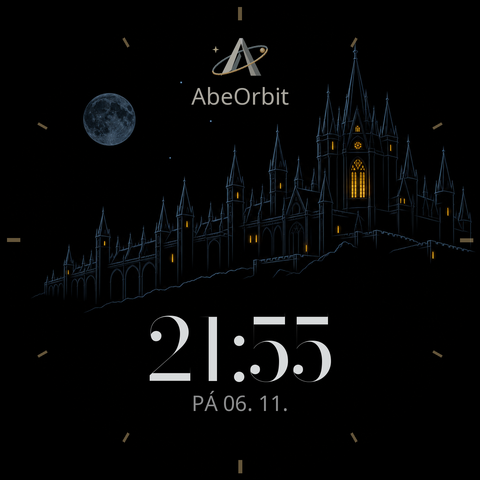
The castle outline, moon, logo, time and date remain against black. Your index, time and date colours stay in a dimmed form; the bottom data slot is hidden.
ABEORBIT / WATCH FACES
All four models are available on Google Play. Choose a watch face, explore its colours and open its store page.
Back to collections ↗